









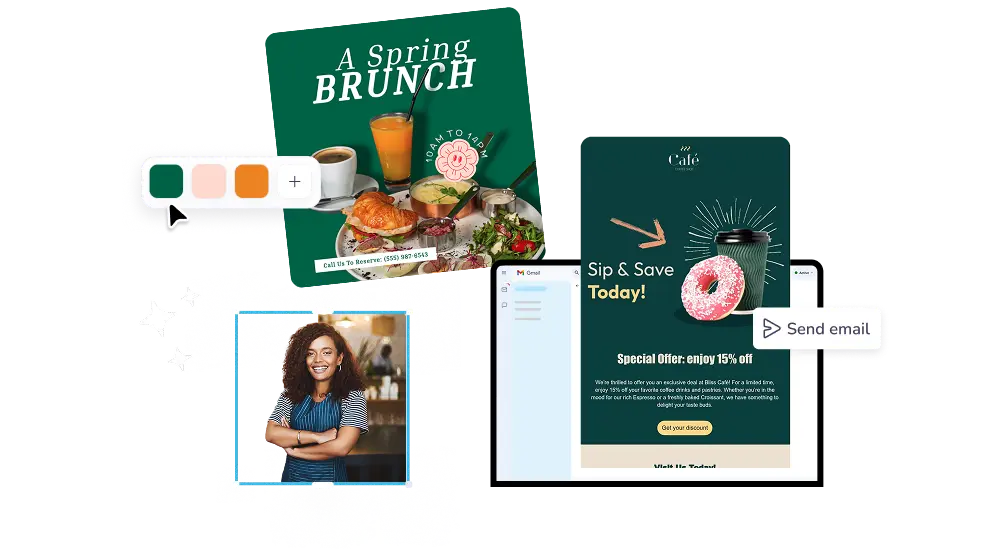
客户眼中的 PosterMyWall







Write and design your next campaign with PosterMyWall's email generator. Start from a prompt or 5,220+ templates, then send or download the HTML.
30M+
总用户数
5k+
电子邮件模板
244
国家和地区
我们认为设计和营销成本不应成为负担。因此,我们将强大功能整合在一个经济实惠的方案中。💪
分散在多个应用上


一份订阅为您节省 $119
Tell the AI what the email is for, a Saturday sale, a new menu, a class opening up, and it drafts the subject line, preview text, and body copy. Pick a tone, ask for a shorter version, or rewrite one section with AI Writer. AI Images makes the picture you had in mind when stock photos will not do.
Open a template built for your kind of send: newsletter, promotion, event invite, thank you. The drag and drop editor moves sections, photos, and buttons where you want them, Brand Kits drop in your logo, colors, and fonts, and the layout stays readable on a phone. You start from a finished design, not a blank canvas.
Add your mailing list and send straight through email campaigns, or download clean HTML and paste it into the sender you already use. Premium includes 3,000 email sends a month and Premium Plus includes 10,000, with unused sends rolling over. Reports show opens and clicks, so your next campaign starts from what worked.
Open PosterMyWall on your desktop, mobile, or tablet to get started for free.
Choose from thousands of professionally designed email templates for any business, event, or occasion.
Add your logo, images, videos, fonts, stickers, audio clips, and more. Use Brand Kits for consistent, on-brand designs.
Download the email HTML for free or preview your email on desktop, tablet and mobile to see how it would look on different screens.
Add a mailing list and send your email straight from PosterMyWall.
从节日问候到特别促销,按类型、主题或季节查找电子邮件设计,让您的营销全年保持新鲜感。


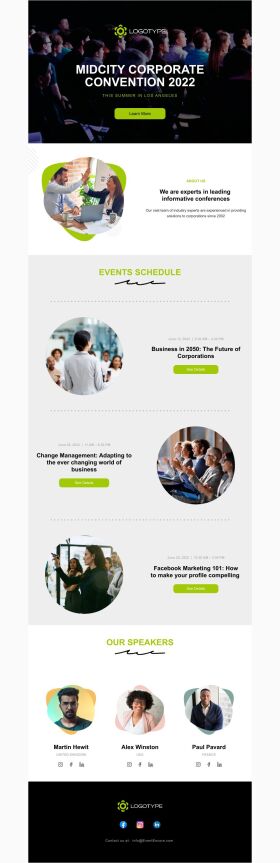


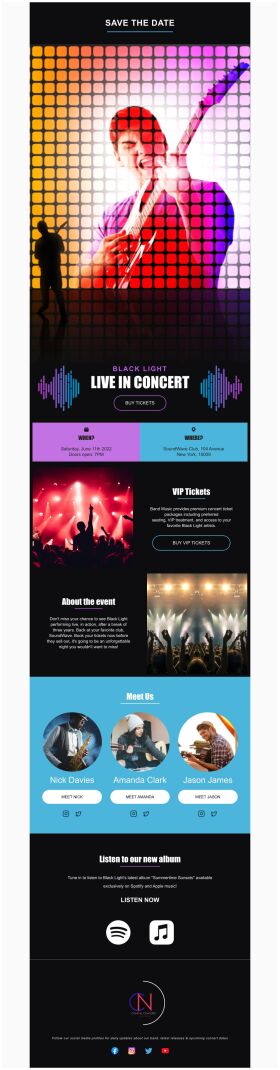


An email generator is a tool that writes and designs an email for you from a short description, instead of leaving you with a blank editor. PosterMyWall drafts the copy with AI Writer, builds the design from a template, and lets you send the finished email to your mailing list.
Yes. Writing, designing, and downloading your email as HTML are free, so you can build a campaign and send it through whichever provider you use. Publishing directly from PosterMyWall comes with Premium plans, which add mailing lists, signup forms, scheduling, and open and click reports.
Describe what the email is for, who it is going to, and the tone you want. Something like a 20 percent off weekend sale for a coffee shop, friendly, gives the AI enough to work with. Add your offer, dates, and call to action, then edit the draft.
Yes. Design your email, then download it as HTML and paste it into Gmail, Outlook or any provider that accepts HTML. The layout stays responsive on phones. Downloading the HTML is free, so this works even without a subscription.
Give the AI your business name, what you sell, and the reason for the email, then set a professional tone. Apply your logo, colors, and fonts with Brand Kits so every send looks like it came from you. Keep one offer and one button per email.
AI Images makes original images from a text prompt, so you can ask for the exact shot you pictured instead of hunting stock photos. AI Background Remover clears the background from product photos in one click. Both work inside the same editor you design the email in.
Yes. Add or upload your mailing list, then schedule or send. Premium includes 3,000 email sends per month, Premium Plus includes 10,000, and unused sends carry into the next month. New accounts can publish three campaigns per day, and that limit rises as you send.
Read every draft before it goes out. The AI writes fast and stays on topic, but it does not know your prices, dates, or store hours unless you tell it. Check the offer, the dates, and the link on the button, then send yourself a test.
Yes. Design and send from the PosterMyWall app on iOS or Android, or from any browser. Your designs sync, so you can start an email on a laptop and finish it on your phone. The editor, templates, and AI tools all work on mobile.

Gradient by PosterMyWall



© 2010-2026 250 Mils LLC. 保留所有权利。




