Canva vs. PosterMyWall: Choosing the Right Design Tool for Your Business
Last Updated:
Visual content is crucial for businesses, marketers, and content creators. Two of the most popular online design platforms—PosterMyWall and Canva—offer powerful features to help users create stunning graphics. While both platforms provide extensive design capabilities, they each cater to different user needs and have distinct strengths.
This article offers a balanced and detailed comparison between PosterMyWall and Canva, helping you determine which tool best fits your marketing and design requirements, based on your specific goals, budget, and use case.
Extensive Template Library and Customization
Both PosterMyWall and Canva shine when it comes to offering a vast selection of professionally designed templates. Canva provides thousands of templates across a wide array of categories, including social media graphics, presentations, flyers, resumes, and more. These templates are designed to be accessible and easy to customize, catering to everyone from beginners to advanced designers.
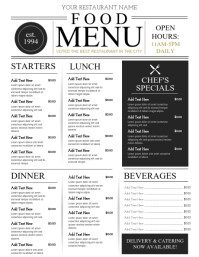
PosterMyWall, while also highly versatile, is more focused on the needs of marketers and business users. It offers over 2 million customizable templates designed with promotional use in mind. Whether you're creating event flyers, restaurant menus, digital signage, or email campaigns, PosterMyWall provides niche-specific templates that streamline the design process.
PosterMyWall’s template library includes:
-
Social media graphics optimized for platform-specific dimensions
-
Professionally crafted email templates
-
Digital signage layouts ideal for in-store screens
-
Menus, price lists, schedules, and more
While Canva covers a broader creative scope, PosterMyWall's templates are deeply aligned with marketing use cases, making it particularly useful for small businesses and professionals seeking quick, effective promotional materials.
Advanced Design Tools for Customization
PosterMyWall and Canva both offer user-friendly drag-and-drop interfaces with rich toolsets to help users customize designs effortlessly. However, there are subtle differences in how each platform supports different workflows.
PosterMyWall’s Advanced Features: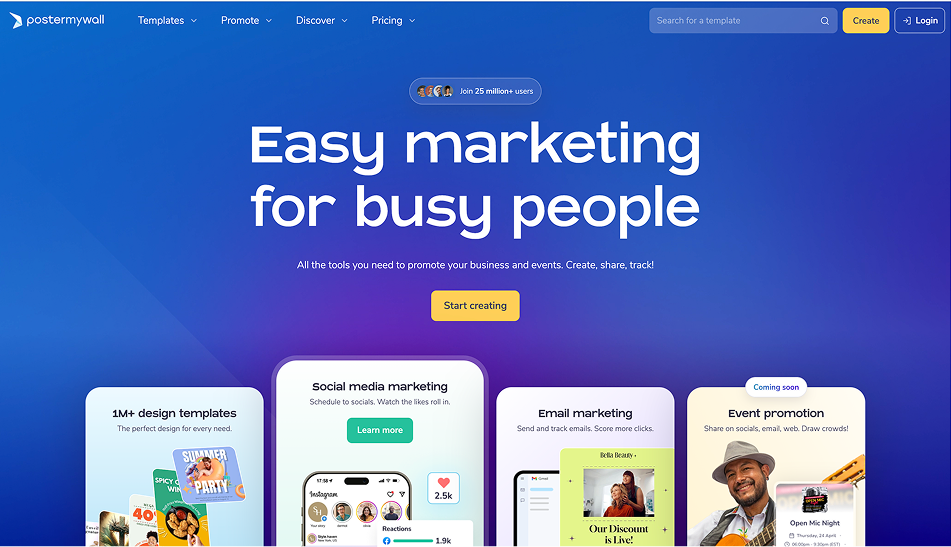
-
Background Remover: Great for creating clean visuals without distractions.
-
One-Click Resize: Helps users instantly convert one design into multiple sizes to match different platforms.
-
AI Caption Suggestions: Useful for generating social media-friendly copy with minimal effort.
-
AI Size Adjust for Social Media: Automatically reformats content for platform-specific dimensions, saving time.
Canva’s Advanced Features: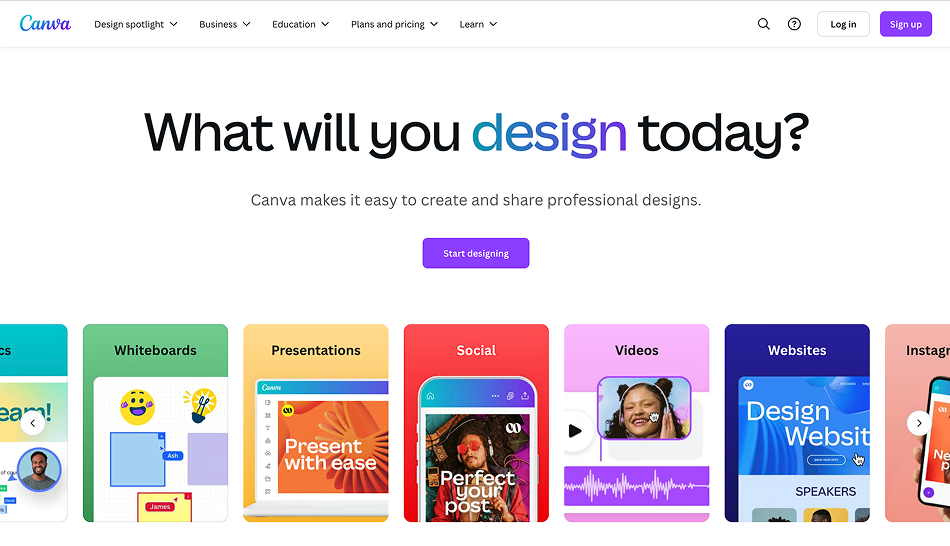
-
Magic Resize Tool: Similar to PosterMyWall’s resizing tool but available only with a Pro subscription.
-
Background Remover: Included with Pro, Canva’s tool works well for both photo and video content.
-
Brand Kits: Store fonts, logos, and color palettes in one place for design consistency.
-
Video and Animation Tools: Canva has a more extensive range of tools for motion graphics, transitions, and video creation.
If you're heavily invested in video content, Canva's toolset might be more appealing. For businesses prioritizing fast and functional promotional design workflows, PosterMyWall offers a more streamlined experience tailored to those needs.
Social Media Publishing & Scheduling
Social media is a critical part of any business's online presence, and both platforms provide features to help users push content to social platforms. Canva allows users to post designs directly to platforms like Facebook, Instagram, and LinkedIn. However, advanced scheduling requires a Pro plan, and it may still rely on integrations with third-party tools.
In contrast, PosterMyWall offers an integrated Auto-Publish and Social Media Scheduler, making it easy to plan and post content across multiple channels from one dashboard. This is especially beneficial for users who manage their content calendar and marketing efforts in-house and want to avoid switching between multiple platforms.
PosterMyWall's content calendar and scheduling tools make it possible to plan campaigns days or weeks in advance, helping businesses maintain a consistent online presence. This built-in functionality is a key differentiator for marketers who need more than just design—they need execution.
Email Marketing Capabilities
PosterMyWall sets itself apart by offering built-in email marketing tools. Users can create, send, and track email campaigns directly from the platform. With an intuitive responsive email editor, marketers can build visually appealing emails using the same assets and brand elements they use for social media and signage.
Canva does not currently offer email marketing functionality. While you can design email graphics in Canva and export them for use in other platforms like Mailchimp or Constant Contact, the process adds steps and requires external tools. For businesses looking for an all-in-one marketing hub, PosterMyWall provides a more complete solution.
Branding Tools: Brand Kits and Consistency
Brand consistency is critical, especially for businesses looking to grow or maintain a professional identity. Both platforms support this need with Brand Kits:
-
PosterMyWall’s Brand Kits help users store and apply logos, brand fonts, and colors across all designs, emails, and social posts.
-
Canva’s Brand Kits, available on Pro plans, offer similar functionality and integrate well with Canva’s team and folder management features.
The main difference lies in integration. PosterMyWall ensures your brand assets are not only applied across design templates but also carried over into your social media and email campaigns for a truly unified approach.
Collaboration Features for Teams
Whether you're a solo entrepreneur or part of a large team, collaboration features can significantly enhance productivity. Both PosterMyWall and Canva provide tools to help teams work together effectively.
-
PosterMyWall Teams enables you to share designs and folders with teammates, assign roles, and control permissions. It’s ideal for marketing teams managing multiple campaigns.
-
Canva’s Team Collaboration features are more built out for larger organizations, with tools like real-time commenting, shared folders, and approval workflows.
While Canva may offer more extensive features for enterprise-level collaboration, PosterMyWall provides a simpler, more marketing-centric environment for smaller teams looking for efficiency.
Pricing and Affordability
Budget is often a deciding factor, especially for small businesses and startups.
-
PosterMyWall Premium Plans are competitively priced and offer a wide range of features including unlimited downloads, social scheduling, and access to premium content. The Premium Plus plan also includes perks like priority support and access to all stock assets.
-
Canva Pro offers great value for creators who need access to more templates, team features, and brand kits, but it comes at a slightly higher monthly cost. Teams with more than one user may see pricing increase depending on the number of seats.
PosterMyWall’s simpler, flat-rate pricing structure is easier to manage for teams that want to scale their marketing without escalating costs.
Stock Media Library
Both platforms offer access to millions of stock images, videos, and audio clips.
-
PosterMyWall’s Stock Library includes high-resolution, royalty-free assets that are particularly suited for business and promotional use.
-
Canva’s Stock Media collection is equally expansive, with strong visuals across multiple categories, making it great for everything from corporate use to personal projects and social content.
While Canva’s library may include a wider creative range, PosterMyWall’s curated collection is marketing-oriented, saving users time when sourcing content for promotional materials.
Digital Signage Capabilities
PosterMyWall offers a rare feature: dedicated tools for creating and managing content for digital signage. Users can design 4K videos, display menus, and upload content directly to platforms like Raydiant, Signagelive, and Screencloud.
This capability is especially useful for restaurants, gyms, event spaces, and retail stores that use screens for advertising or operational displays. Canva does not offer a comparable feature, making PosterMyWall a standout for users with digital signage needs.
Customer Support and User Experience
Support can be a deciding factor, especially when time-sensitive issues arise.
PosterMyWall provides Priority Customer Support for premium users, ensuring quick access to help when needed. The platform’s UI is also designed to minimize the learning curve, making it accessible even to those with no prior design experience.
Canva’s support is generally reliable, though response times can vary. It offers a robust help center, community forums, and email support. For users already familiar with design software, Canva’s interface is intuitive and feature-rich.
PosterMyWall vs. Canva: Feature Comparison
Feature | PosterMyWall | Canva |
Template Library | 2M+ marketing-focused templates | Thousands of templates for various design types |
Ease of Use | Beginner-friendly with marketing tools | User-friendly for all levels of creators |
Social Media Scheduler | Built-in and available on all plans | Available with Canva Pro (paid) |
Email Marketing | Integrated email editor and campaign tracking | Not available natively; requires third-party tools |
Video Editing | Basic video creation and 4K signage support | Robust video editing tools and animations |
Digital Signage Support | Yes, with direct upload to Raydiant, Screencloud, etc. | Not supported |
Team Collaboration | Real-time collaboration and access control | Advanced team features with shared folders |
Brand Kits | Yes, integrates with all design types | Available with Pro plans |
Stock Media Library | Millions of curated business assets | Extensive and creative stock asset library |
Pricing | Affordable, flat-rate pricing with unlimited downloads | Higher pricing tiers, per-user basis |
Customer Support | Priority support for premium users | Email support and knowledge base |
Conclusion: Which Platform is Right for You?
Both PosterMyWall and Canva are excellent platforms, each with its own strengths. Your choice ultimately depends on your priorities:
-
Choose PosterMyWall if you want a streamlined, marketing-first platform that combines design, social media scheduling, email marketing, and digital signage.
-
Choose Canva if you're looking for a creative powerhouse with strong support for animations, presentations, and a wider range of general-purpose design needs.
No matter which platform you choose, both offer powerful tools to help you produce high-quality, engaging content. The key is to align the platform's strengths with your business goals and workflow preferences.