

客户眼中的 PosterMyWall






Automatically add captions, voiceovers, and music. Our AI video editor handles the edits while you handle the story.
PosterMyWall's AI video editor turns raw footage or a simple prompt into a video ready to post. Trim clips, add transitions, and drop in music, or describe the video you want and let AI Video build a first draft in seconds.
Skip the recording booth: add auto-generated subtitles with AI Subtitles so viewers can watch with the sound off, or add a natural-sounding voiceover with AI Voice without saying a word yourself. Resize the same video for Instagram Reels, TikTok, and YouTube Shorts in a click.
Once your video is ready, publish it straight to your social pages from the same dashboard, or pair it with a matching flyer or event page for a bigger push. Your AI video editor and the rest of your marketing live in one app.
通过一个直观、AI 赋能的平台管理您的营销。从数百万个免费模板中进行设计,为您的活动销售门票,并在社交媒体、电子邮件、网络等渠道发布内容。
通过社交媒体帖子和电子邮件广告系列的互动洞察,了解受众的喜好。利用这些洞察优化您的营销策略,创作能带来效果的内容。
让 AI 为您完成繁重的工作:几秒钟内生成设计、图像和视频,为每个渠道调整大小,并预先安排内容发布时间。凭借经济实惠的方案和大幅团队折扣,与您的团队一起创造营销奇迹从未如此简单。
Log in to PosterMyWall or sign up for free.
Start a chat in the chat box on the main page, or click on the “Create with AI” option on the left panel.
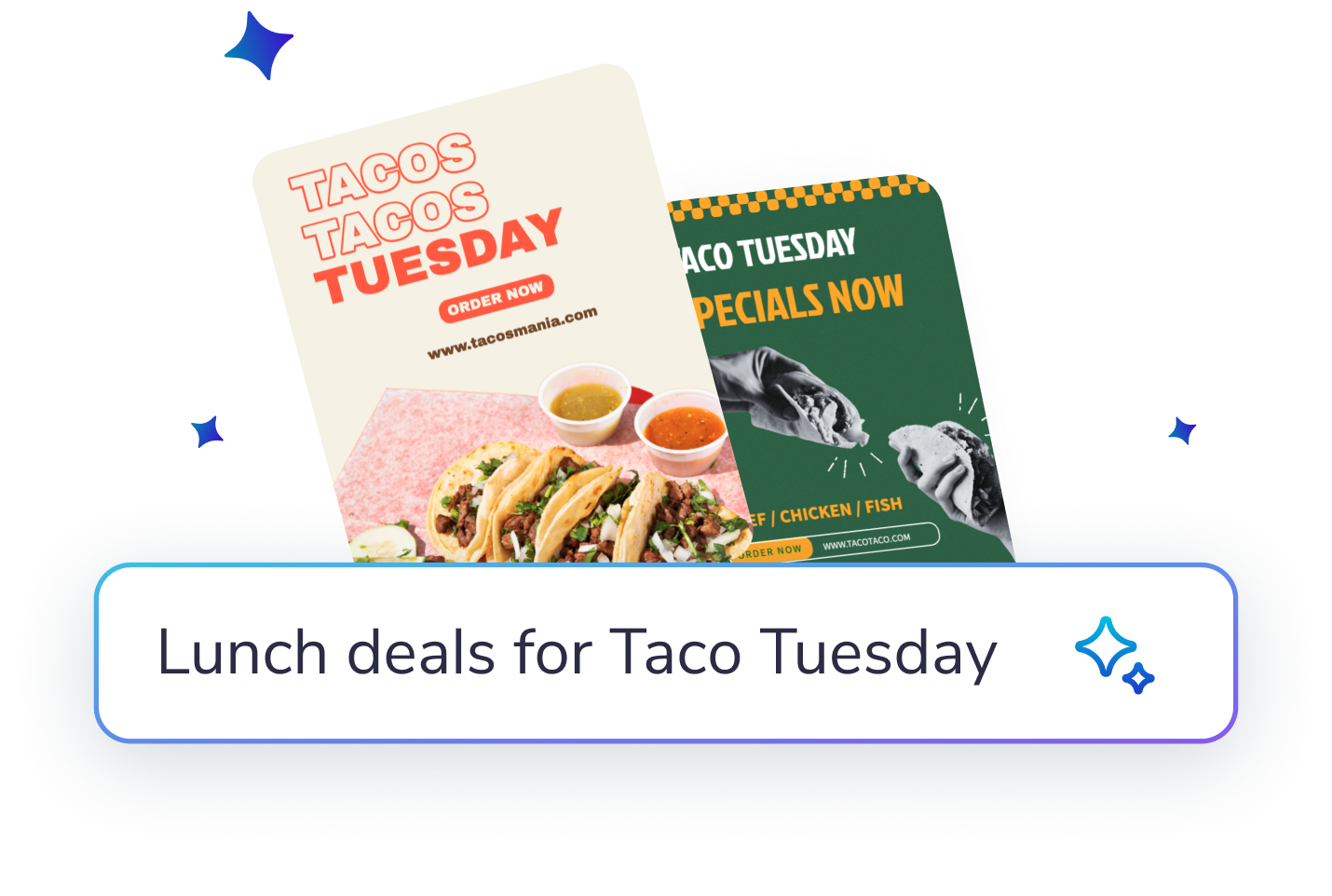
Describe what you would like to create: designs, posters, social posts, email content, captions, marketing ideas - or get inspired from the on-screen options.
Enter feedback or suggestions to improve the AI’s results further. Try adding images, or more specific details to get the result you want!
Customize the image or design further in the editor. You can add text or more elements. Or download, share and publish as it is.









 Canva 与 PosterMyWall 的比较
 VistaCreate 与 PosterMyWall 的比较
 Adobe Express 与 PosterMyWall 的比较
 Piktochart 与 PosterMyWall 的比较
 Snappa 与 PosterMyWall 的比较
 Fotor 与 PosterMyWall 的比较
 Placeit 与 PosterMyWall 的比较
 Visme 与 PosterMyWall 的比较
 Venngage 与 PosterMyWall 的比较
 Buffer 与 PosterMyWall 的比较
 Hootsuite 与 PosterMyWall 的比较
 Sprout Social 与 PosterMyWall 的比较
 Later 与 PosterMyWall 的比较
 Agorapulse 与 PosterMyWall 的比较
 Zoho Social 与 PosterMyWall 的比较
 Coschedule 与 PosterMyWall 的比较
 Sendible 与 PosterMyWall 的比较
 Loomly 与 PosterMyWall 的比较
 Stripo 与 PosterMyWall 的比较
 Mailchimp 与 PosterMyWall 的比较
 Constant Contact 与 PosterMyWall 的比较
 Brevo 与 PosterMyWall 的比较
 GetResponse 与 PosterMyWall 的比较
 Kit 与 PosterMyWall 的比较
 Moosend 与 PosterMyWall 的比较
 Omnisend 与 PosterMyWall 的比较
GetResponse 与 PosterMyWall 的比较
Omnisend 与 PosterMyWall 的比较
GetResponse 与 PosterMyWall 的比较
 Eventbrite 与 PosterMyWall 的比较
 Evently 与 PosterMyWall 的比较
 Facebook Events 与 PosterMyWall 的比较
我们认为设计和营销成本不应成为负担。因此,我们将强大功能整合在一个经济实惠的方案中。💪
分散在多个应用上


一份订阅为您节省 $119

Gradient by PosterMyWall



© 2010-2026 250 Mils LLC. 保留所有权利。









