



打开无障碍菜单 跳到页面内容

Say goodbye to messy photos with our AI image editor

Our AI image editor removes backgrounds, sharpens details, and resizes photos. All for free!

Clean up photos with our AI image editor.

PosterMyWall's AI image editor cleans up photos without the learning curve of professional editing software. Remove a background, brighten a dull shot, or sharpen a blurry logo — all with a single click, right inside the same editor you use for your designs.

Let our AI image editor handle the edits.

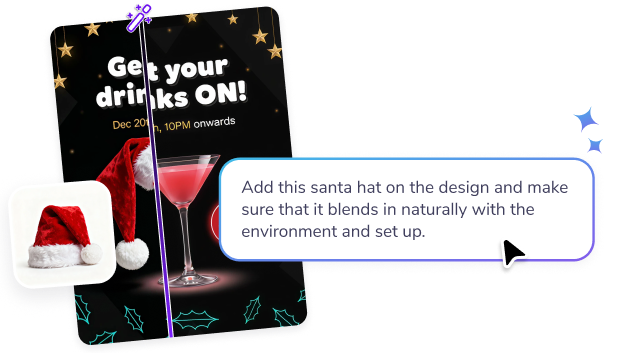
Drop in a product photo, a headshot, or an old logo, and let the AI handle the technical work: masking edges, smoothing skin tones, or lifting quality on a low-res image. Compare before and after instantly, and undo anytime you want to try a different look.

Finish your design with our AI image editor.

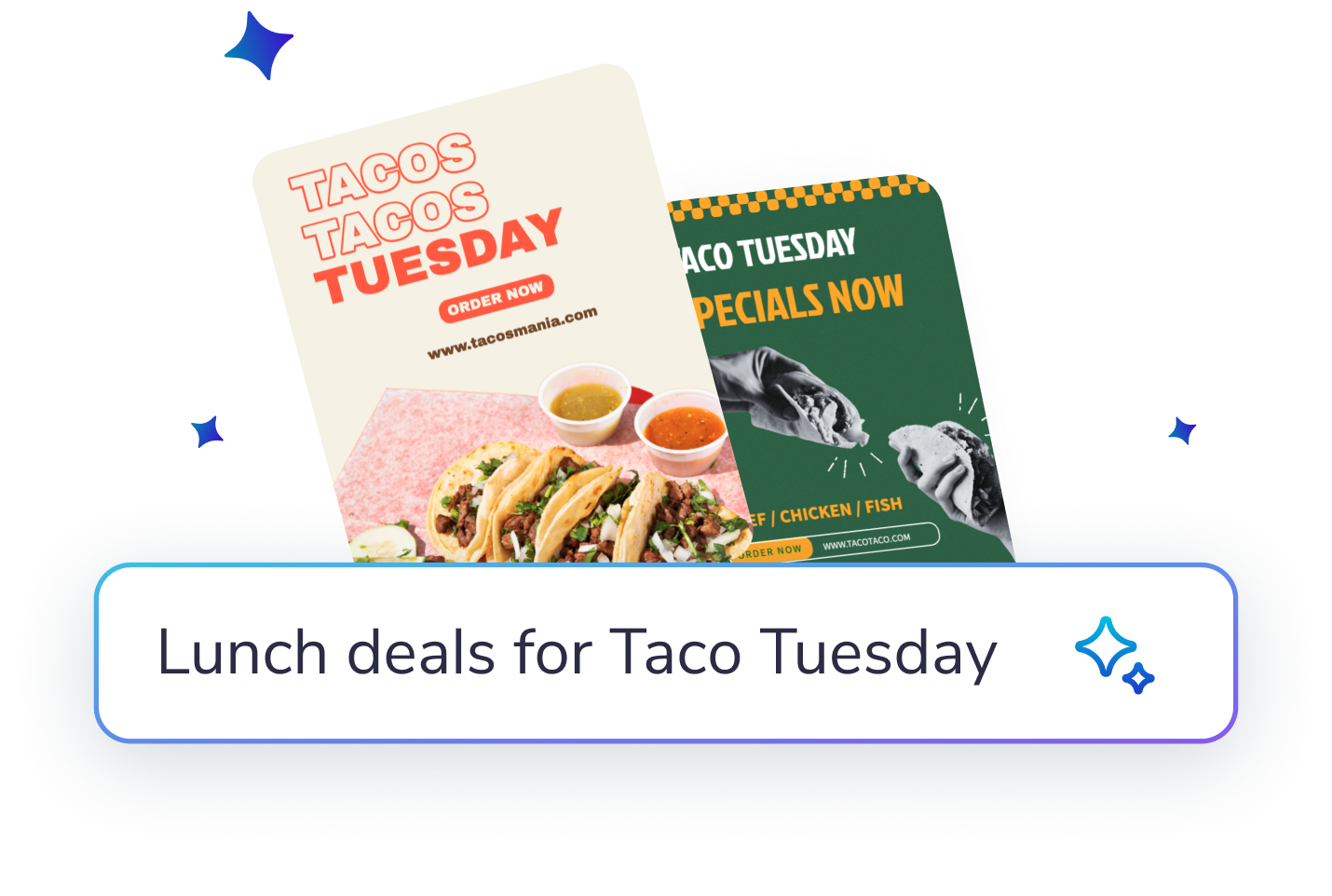
A cleaner image means a stronger flyer, post, or ad and your edited photo drops straight into PosterMyWall's templates for social media, print, and email. Skip the separate editing app and finish your whole design, photo and all, in one place.

通过 PosterMyWall Premium,解锁更智能的 AI 赋能营销。

为何使用 PosterMyWall

一体化 AI 赋能营销平台

一站式创建、分享和跟踪

轻松营销由此开始

轻松进行社交媒体营销

  • 使用“时间轴”和“AI 字幕”功能,制作流行的社交媒体视频,并尽情分享!
  • 利用我们的 AI 写作工具快速生成标题 – 不再有写作障碍。
  • 一键将帖子和快拍发布到所有社交平台。您的影响力从未如此之大!
  • 提前安排帖子在所有社交平台上的发布时间。设置好后便无需再理睬。
  • 使用“时间轴”和“AI 字幕”功能制作视频。
  • 利用我们的 AI 写作工具快速生成标题 – 不再有写作障碍。
  • 一键将帖子和快拍发布到所有社交平台。
  • 提前安排帖子在所有社交平台上的发布时间。设置好后便无需再理睬。
轻松营销由此开始

适合不会编写代码的用户的无代码电子邮件

  • 有 3,600 多个专业设计的电子邮件模板可供选择。
  • 使用版块模板、样式、合并标签等进行自定义。
  • 每月最多可以发送 10,000 封电子邮件。
  • 创建电子邮件注册表单来拓展您的名单。
  • 有 3,600 多个专业设计的电子邮件模板可供选择。
  • 使用版块模板、样式、合并标签等进行自定义。
  • 每月最多可以发送 10,000 封电子邮件。
  • 创建电子邮件注册表单来拓展您的名单。
轻松营销由此开始

使用简单的工具进行设计

  • 解锁无限量高分辨率图像和视频下载
  • 利用 AI 背景移除工具,创作诱人的产品照片。
  • 利用 AI 图像功能,将您的想象变为现实。
  • 利用品牌工具包,快速实现一致的品牌形象。
  • 解锁无限量高分辨率图像和视频下载。
  • 利用 AI 背景移除工具,创作诱人的产品照片。
  • 利用 AI 图像功能,将您的想象变为现实。
  • 利用品牌工具包和自定义字体,快速实现一致的品牌形象。
轻松营销由此开始

简化您的营销时间表

  • 安排稍后发布社交媒体帖子和电子邮件。
  • 在一个日历中计划广告系列并掌握最新信息。
  • 绝不错过任何营销机会。
  • 安排稍后发布帖子和电子邮件。
  • 在一个日历中计划广告系列并掌握最新信息。
  • 绝不错过任何营销机会。
轻松营销由此开始

为下一次活动造势

  • 通过无限量自定义活动页面吸引人群。
  • 利用 AI 写作工具,撰写精彩的活动描述。
  • 将活动即时发布到所有社交平台。
  • 通过即发式电子邮件宣传您的活动。
  • 通过无限量自定义活动页面吸引人群。
  • 利用 AI 写作工具,撰写精彩的活动描述。
  • 将活动即时发布到所有社交平台。
  • 通过即发式电子邮件宣传您的活动。
轻松营销由此开始

借助 AI 实现更智能的营销

  • 使用 AI 重新设计在几秒钟内自定义设计。
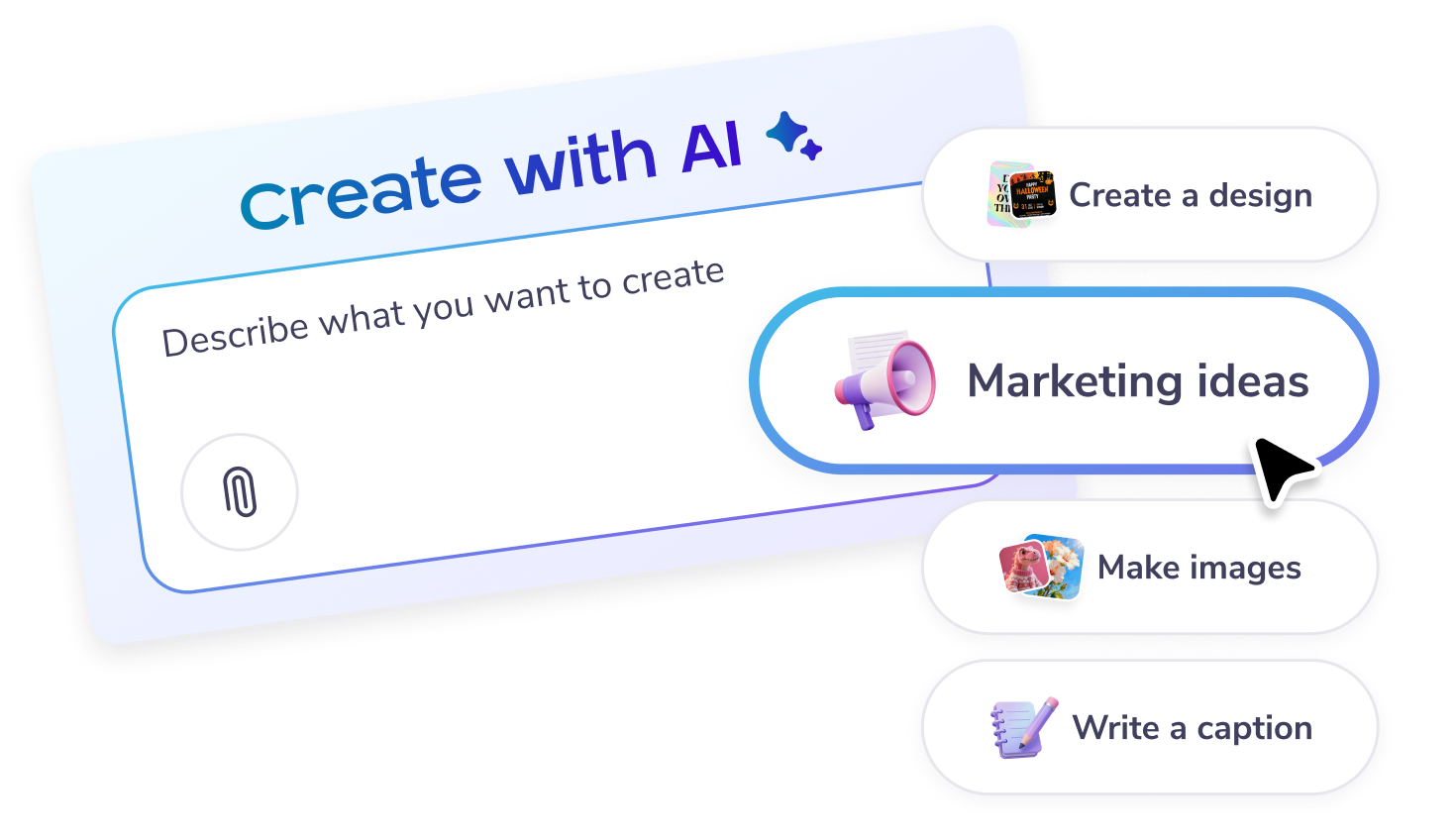
  • 使用 AI 生成完美的图像和文本。
  • 打造干净利落的视觉效果 - 利用 AI 背景移除工具
  • 创作具有高影响力的视频 - 利用 AI 旁白AI 字幕
  • 使用 AI 重新设计在几秒钟内自定义设计。
  • 使用 AI 生成完美的图像和文本。
  • 打造干净利落的视觉效果 - 利用 AI 背景移除工具
  • 创作具有高影响力的视频 - 利用 AI 旁白AI 字幕

探索更多设计模板

探索我们的产品

常见问题解答

What is an AI image editor?

An AI image editor is a tool that uses artificial intelligence to enhance and modify images effortlessly. PosterMyWall offers an AI image editor perfect for non-designers who need quick, professional results. With AI-driven features, you can create stunning visuals in minutes, even if you're short on time.

How can I use the AI image editor for social media?

With PosterMyWall's AI image editor, you can easily create eye-catching social media posts. Use the social media publishing tool to design, schedule, and publish content directly from the platform. This feature saves time and ensures your posts look professional, even if you're new to design.

Does the AI image editor include design templates?

Yes, the AI image editor on PosterMyWall includes a wide range of design templates. These templates are customizable, making it easy for busy users to create unique and professional visuals. Whether you're creating posters or flyers, the templates provide a quick start to your design process.

Can I remove backgrounds with the AI image editor?

Absolutely! PosterMyWall's AI image editor includes an AI background remover. This tool simplifies the process of removing backgrounds from images, allowing you to focus on creating stunning designs quickly. It's perfect for users with no design experience who need professional results fast.

Can I collaborate using the AI image editor?

Yes, you can collaborate using the AI image editor with PosterMyWall Teams. This feature allows multiple users to work on a project simultaneously, making it ideal for teams or groups with tight schedules. Collaboration has never been easier, even for those new to design.

How can I create branded content with the AI image editor?

The AI image editor on PosterMyWall makes it simple to create branded content using Brand Kits. This feature helps maintain brand consistency by storing your brand's colors, fonts, and logos in one place. It's a great way to ensure your designs align with your brand identity quickly.

How do I resize images with the AI image editor?

Resizing images is a breeze with PosterMyWall's AI image editor. The resize tool helps you adjust your designs to fit various formats and platforms without losing quality. This feature is essential for busy users who need to adapt their visuals for different marketing channels.

Can I create multi-page designs using the AI image editor?

Yes, you can create multi-page designs with the AI image editor on PosterMyWall. This feature is perfect for creating brochures, presentations, and other multi-page documents. It's easy to use, even for beginners, and helps you produce professional results in no time.

Does the AI image editor support video and audio editing?

PosterMyWall's AI image editor supports video editing with the Audio Video Recorder feature. This tool allows you to add voiceovers, music, and other audio elements to your videos, enhancing their impact. It's perfect for users looking to create engaging multimedia content quickly.

What are the benefits of PosterMyWall Premium with the AI image editor?

With PosterMyWall Premium, you get unlimited downloads using the AI image editor. This means you can create and download as many high-quality designs as you need without restrictions. It's a valuable feature for busy users who require quick access to professional designs.

比较 PosterMyWall











